Product overview
See where your money went without connecting your bank.
Turn compatible bank CSV exports into a private spending, cash-flow, recurring-payment, and net-worth dashboard. No OpenFinance account is required, and imported financial data is processed locally on your device.
No bank connection
You choose exactly which exported files and date ranges enter the tool.
Local processing
OpenFinance does not transmit imported financial contents to an OpenFinance server.
Open source
Inspect the implementation, parser, storage model, and changes publicly.
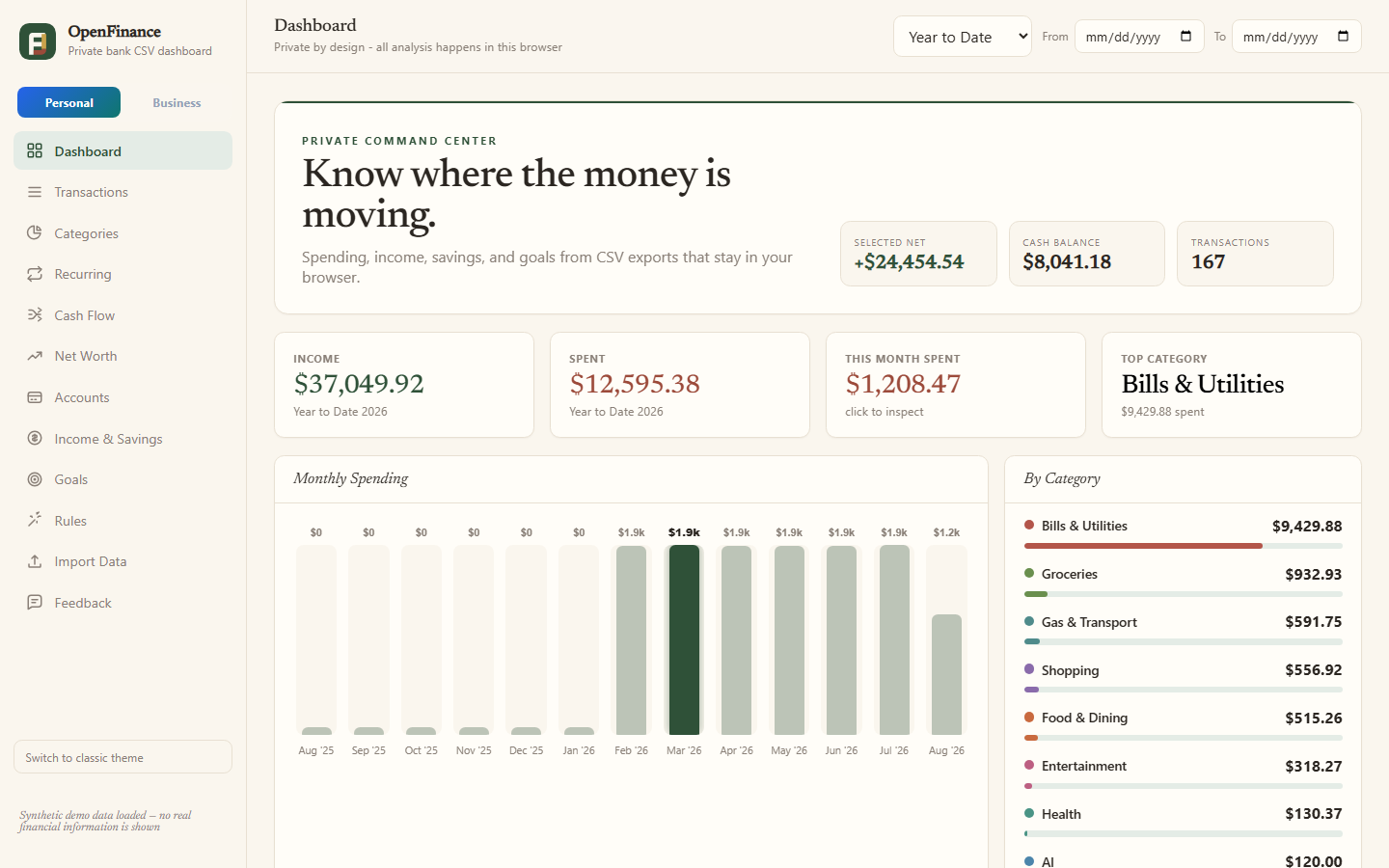
Synthetic demonstration data—no real financial information is shown.
A deliberate monthly review instead of continuous account access
OpenFinance is for privacy-conscious people who already download transaction files or use spreadsheets and want a clearer view without granting ongoing access to bank accounts.
Import and inspect
Load compatible CSV exports, search transactions, correct categories, and inspect the reporting period.
Find the pattern
Explore spending, categories, recurring-payment candidates, income, savings, cash flow, and compatible balance history.
Keep useful rules
Store category rules, goals, preferences, and imported files locally until you clear them.
Verify important numbers
Compare results with source records. OpenFinance is an organizational tool, not professional accounting or financial advice.
Start without exposing real information
The synthetic demo creates fictional accounts and transactions, so you can evaluate the dashboard before selecting a personal file.
Browser, mobile, and Windows options
Phone, tablet, Mac, Windows, or Linux
Use the browser application. On supported mobile browsers, choose Add to Home Screen or Install app. Browser support varies.
Windows desktop application
The downloadable .exe works only on Windows. It is not a mobile, macOS, or Linux installer and is not currently code-signed.